.png)
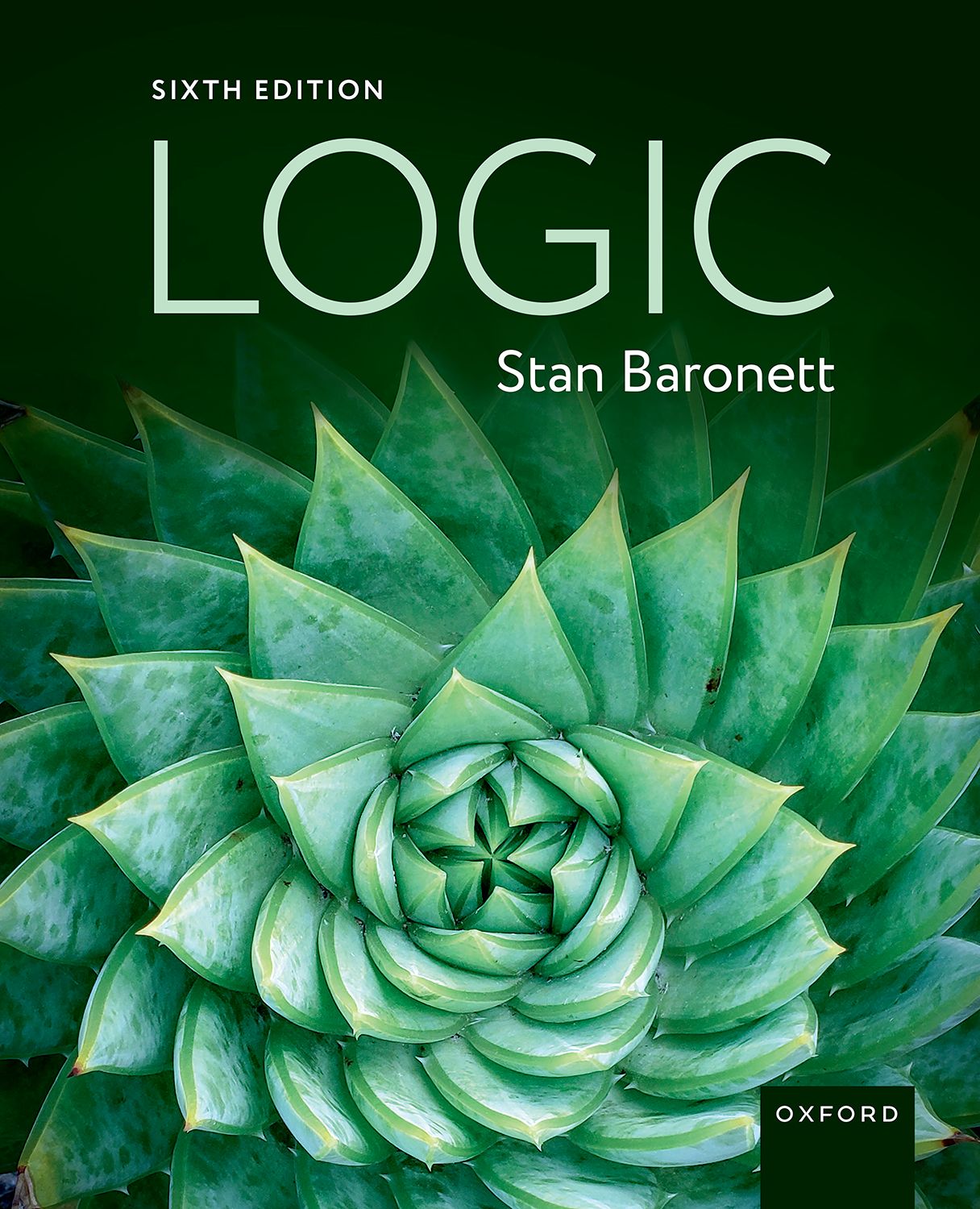
Logic 6e Oxford Learning Link Course Package
A course package containing student and instructor resources is available for this title. These materials can be integrated into your learning management system (LMS) course (Blackboard, Canvas, Desire2Learn/Brightspace, or Moodle).
Note that in order to view and use these resources, your students will be required to redeem an access code.
To start an integration request:
- Follow the link relevant to your location [US; Canada] and complete the request form for a demo course. If you already have access to a demo course, you may skip this step.
- Once you have access to a demo course, click on Modules to open the course and select the first Module labeled “Adopt this Course.”
- Click “Adopt this Oxford Learning Link course in your institution’s own LMS/VLE” to complete and submit the appropriate request form.
- If you would prefer a non-integrated cloud course option, then click “Adopt this Oxford Learning Link course in OUP's hosted environment” to complete and submit the appropriate form.
For further support, please see these articles on our support site. If you still need assistance after reading the articles, please contact Customer Support.
If you are looking only for the instructor resources which accompany your text (e.g., PowerPoints, test banks, etc.), please use the navigation buttons on the left side of your screen to find and download those resources. If you wish to make any of these files (e.g., PowerPoints) available to your students, use your LMS’s file upload tools to add them to your course.
Note that students will not be able to access instructor resources (such as presentation slides) linked via a course package integration.
Instructors, if you already have access to this content please log in to your account. To request access please visit the instructor registration page.